The best ai writing tool is a complete home for your book where your voice is protected. Instead of scattered chat windows, you need a story partner that reads your entire manuscript, remembers your characters, and never changes your text on its own.
The Architecture of a Proper Writing Workspace
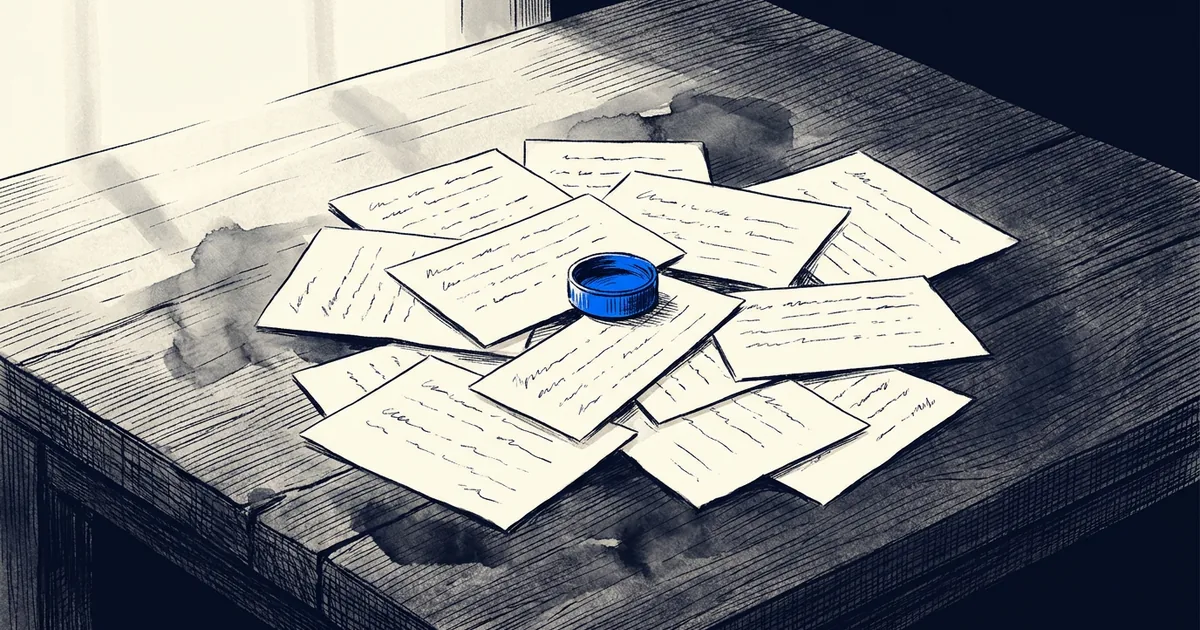
When you stop looking for a fragmented toolchain and start looking for a real workspace, the criteria change completely. You are no longer searching for the fastest text generator or the application with the most buttons. You are searching for one intelligent home for your entire book. A true workspace holds everything your book needs: the planning, the drafting, the chapter notes, and the editing, all in a single environment.
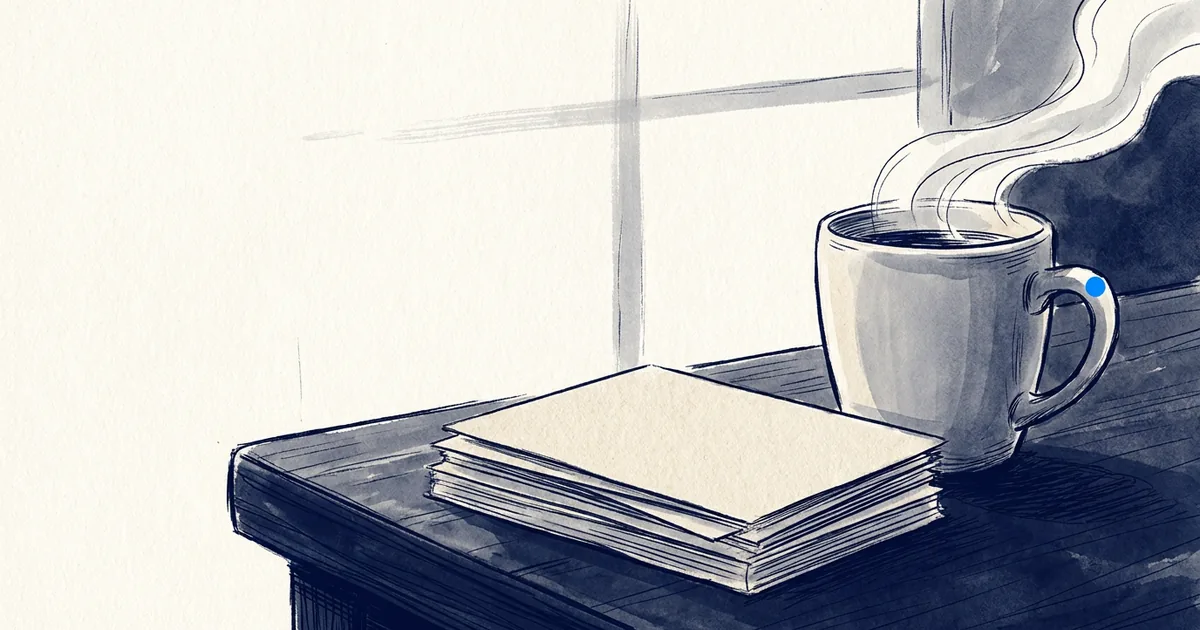
A home for authors eliminates the friction of starting a session. When you sit down to write, your manuscript is exactly where you left it. You do not need to open three different tabs to check your character's backstory. Your research lives beside the writing, instead of in another browser window. The setup is calm and organized, designed specifically to honor the blank page and respect the time you have carved out for your craft.
A Story Partner That Remembers Your Plot Threads
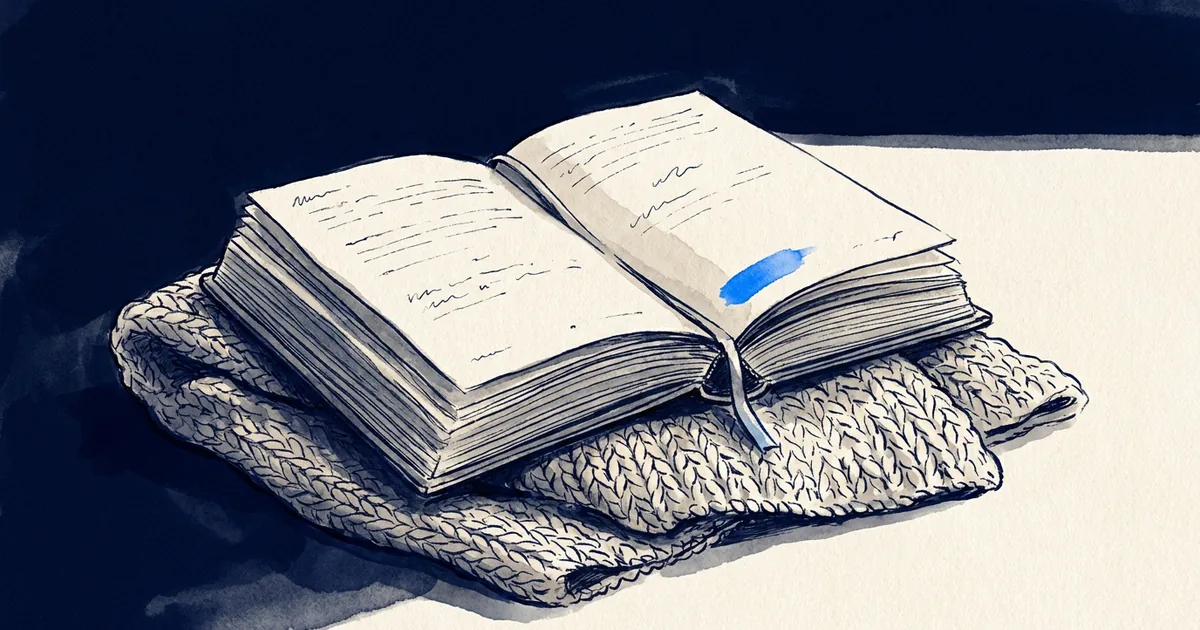
The critical difference between a generic text box and a true home for authors is memory. Robin is your story partner. It reads your whole manuscript—not a snippet you pasted in, but the actual book—so you never have to re-brief it. It remembers your characters, your plot threads, the geography of the place you made up, and the reason a minor decision in chapter three had to change.
That memory compounds the longer you write. If you ask a question about your pacing or how a character might react to a betrayal, Robin answers based on the evidence of the pages you have already written. As we explored in why the search for the right tool breaks your draft, a tool that lacks memory forces you to manage the story. A partner that remembers allows you to freely invent the next chapter, removing the mental burden of holding every detail in your head.
Protecting Your Prose With a Safe Workspace
Your name goes on the book, always. That means the writing must sound like you. Write in a Click uses voice profiles that describe what your prose sounds like—your style, tone, point of view, perception, and pacing. This profile grounds the feedback you receive, ensuring that any advice fits your specific way of writing rather than pushing you toward a generic average.
Crucially, the author always holds the pen. Robin never changes your manuscript on its own. In Edit Mode it can suggest changes, and nothing lands unless you keep it. You remain the undisputed creator of the work. If you are exhausted by tools that try to overwrite your style, understanding this strict boundary is the key to maintaining control over your narrative, avoiding the pitfalls detailed in what testing every new generative tool costs your story's voice.
The Path to the Finished Book
We are judged on finished books, not on words generated. The environment you choose should be actively structured to help you reach the final page. With visible momentum trackers, daily progress logs, and tools like the Proofing Pass available exactly when you need them, the finish comes naturally. The proof is visible in the behavior of the writers here, who maintain 34-minute average sessions (July 2026) because they are actually engaged in the work.
We help authors finish their book. That's why we're the home for authors. When you consolidate your scattered notes and fragmented documents into a single, unified workspace, you stop acting as an administrator for your software and return to being a writer. It is time to finish your novel in a place built specifically for the task. You can explore our pricing plans to see how an integrated workspace supports your writing journey from the first idea to the final page.
Read the rest of this series:
Questions writers ask
What makes Write in a Click different from other writing software?
It is the home for authors. Robin, your story partner, reads your whole manuscript and never changes it on its own. Your entire book lives in one cohesive place, eliminating the need for disconnected applications.
Does Robin write the chapters for me?
No. We help authors finish their book, but the human is unmistakably in charge. Robin never changes your manuscript on its own. In Edit Mode it can suggest changes, and nothing lands unless you keep it.
Is my writing used to train models?
Your manuscript is never used to train models unless you opt in. The privacy and ownership of your work are fundamental to the workspace, ensuring your story remains entirely yours.
How do voice profiles work?
Voice profiles describe what your prose sounds like across style, tone, and point of view. They are used to ground what Robin tells you, ensuring feedback matches your established style rather than imitating it or replacing it with generic text.
Do I need to be connected to the internet to write?
No. The workspace is available on the web, iPhone, iPad, and Android — the same book on all of them, with offline drafting on mobile. Your progress synchronizes automatically when you reconnect.